2225

Dimension Defaults
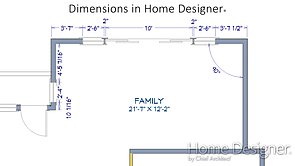
Specify what items dimension lines will locate, the unit of measurement, and font for your dimensions.
Learn how to create and manipulate CAD-based objects like lines, boxes and text, and how to use dimensions to ensure accurate drawings.
2225
Specify what items dimension lines will locate, the unit of measurement, and font for your dimensions.
2226
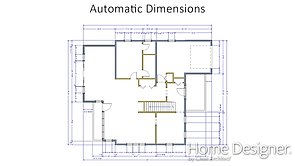
Use the automatic dimension tools to quickly place several dimension lines at once.
2312
Make a set of interior dimensions for a single room or an entire floor.
2227
Use the Manual Dimension tools to put dimensions right where you need them.
2228
Learn how to configure dimension defaults, move objects using Dimensions, and how to use Angular and Point to Point dimensions.
2313
Using the dimension tools to annotate your elevation views of kitchen and bath cabinets
2282
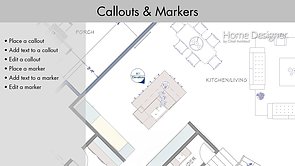
Place, move, resize, and rotate the different types of callouts and markers.
2322
Learn how to control the display and style of dimensions and labels using Text Styles.
2323
Modify text styles by copying, renaming, editing and deleting text styles as well as setting rotation, transparency, and layers.
2284
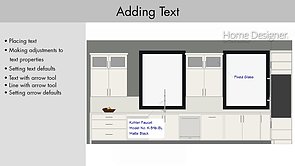
Use the CAD tools, dimensions, and text to add detail to Cross Section/Elevation views.
2285
Learn about the different types of snaps: Angle Snaps, Object Snaps, and Grid Snaps.
2324
The same line type edit handles allow you to continue drawing lines, arcs and splines without changing tools
2511
Learn how to use the Edit Area and Stretch CAD power tools.