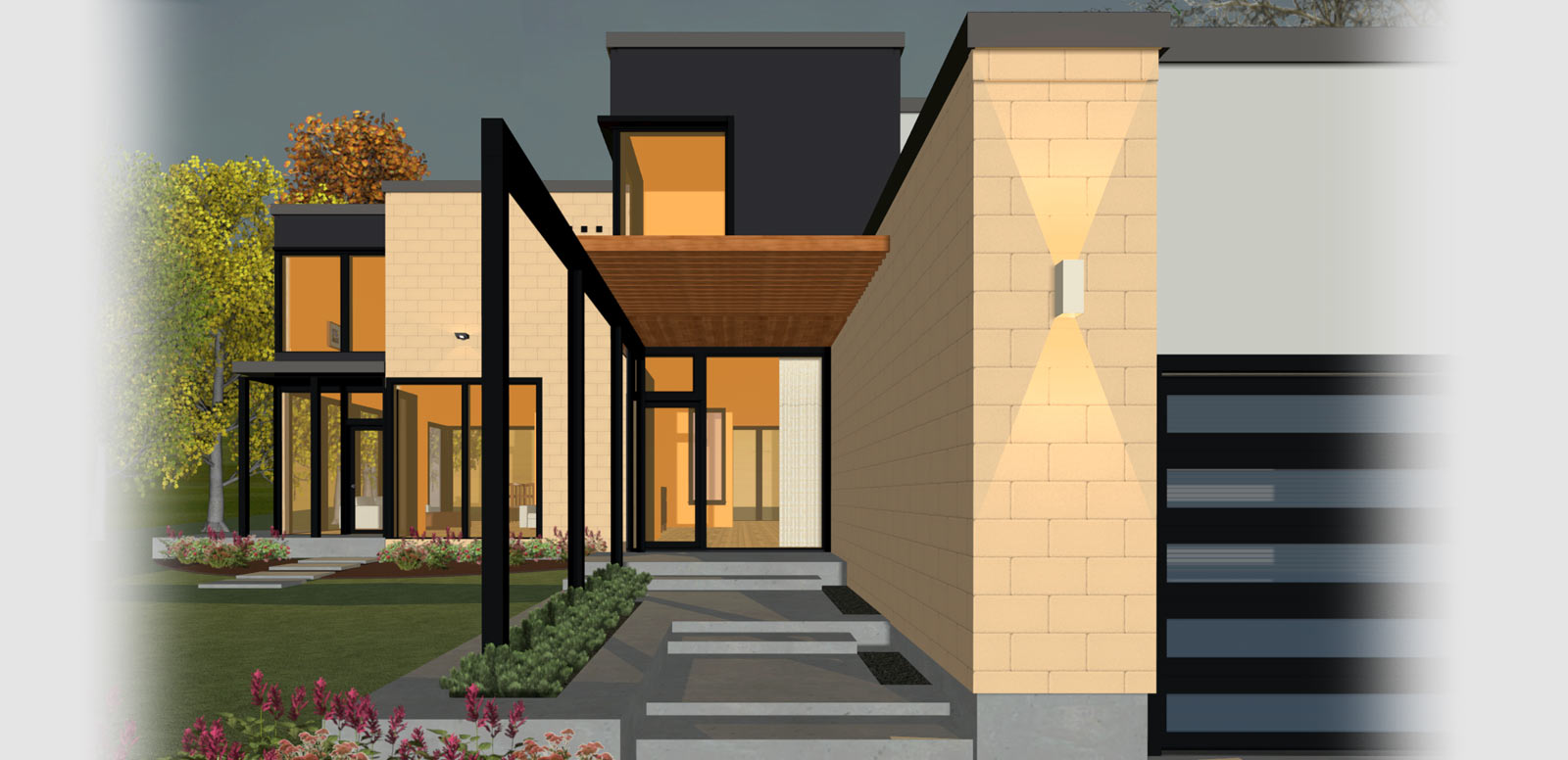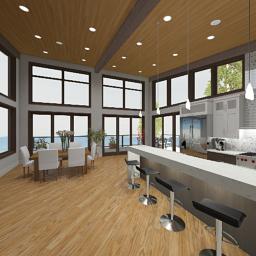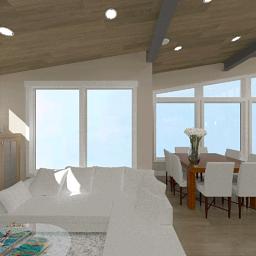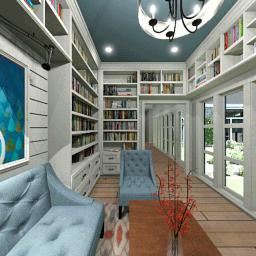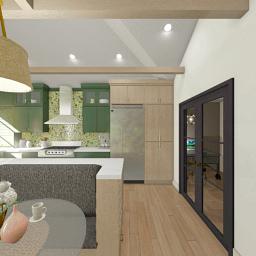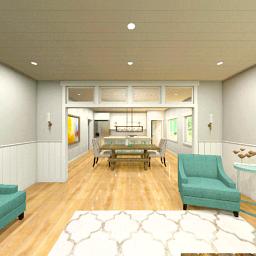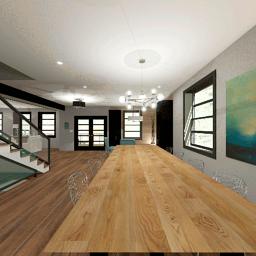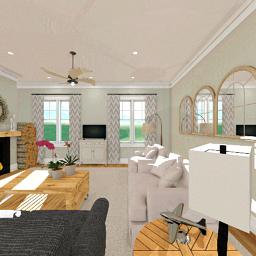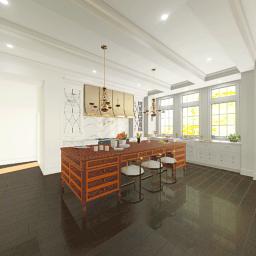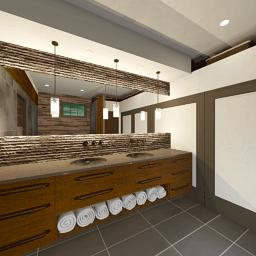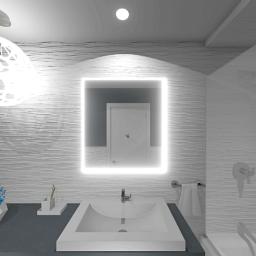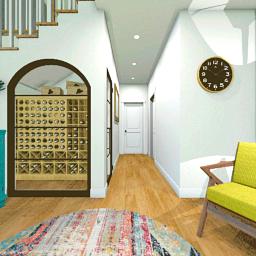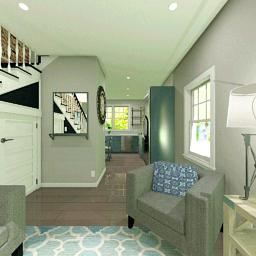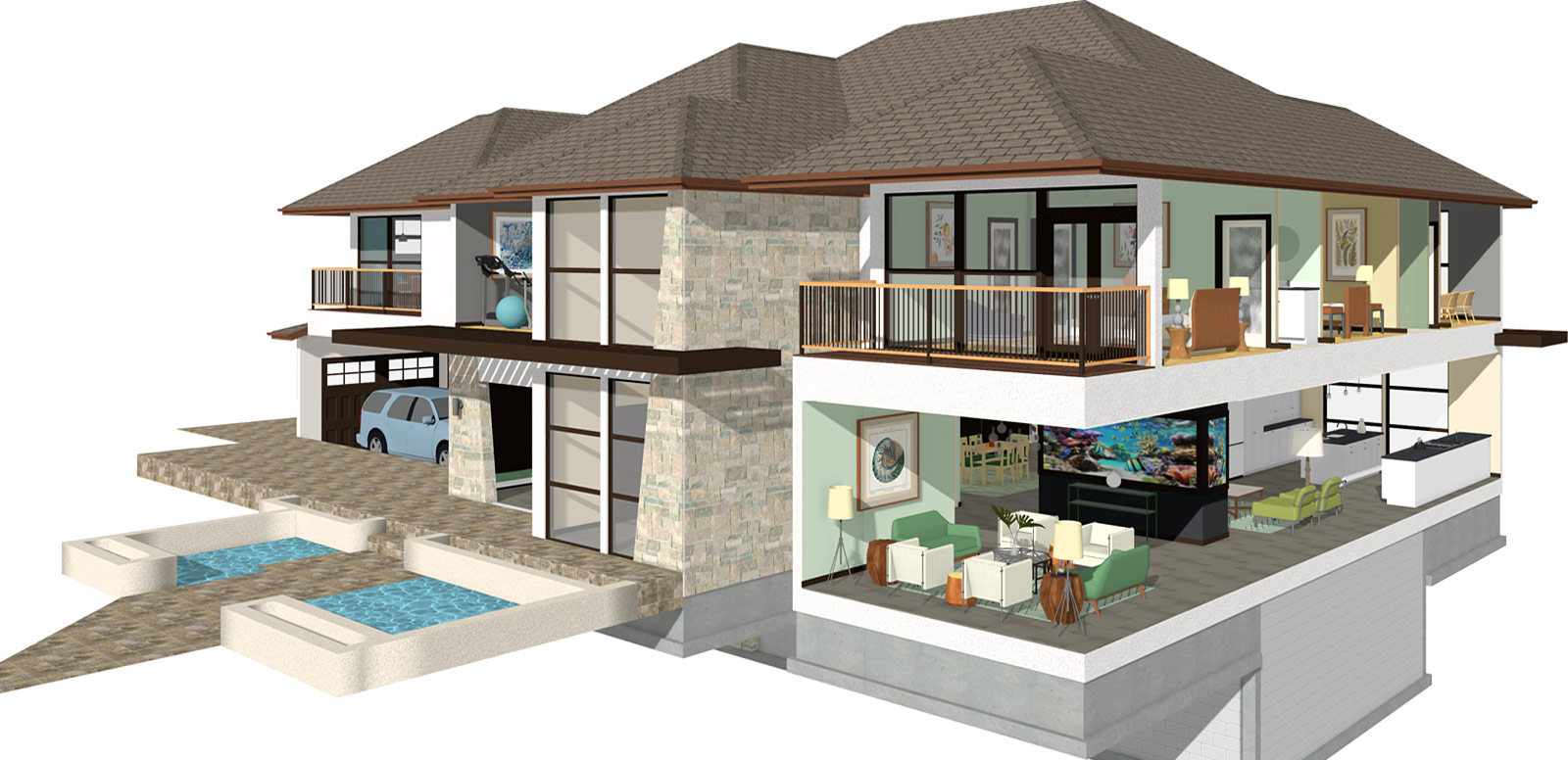
Create fun and easy designs for any house project. Build realistic 3D models for your home design or interior design using automated building tools. Visualize your new dream home today with Home Designer.
Create a 3D model that can help to visualize your home projects. Create realistic views with materials, textures and colors. Choose from Day or Night Views, Framing Views and Doll House Views to see your design from every view point. Choose from thousands of the latest furnishings and accessories. Import photos or name brand products for a specific or unique house design. Take a virtual tour and use 3D models to know exactly what your project will look like before you build.
— Give your home the exact look and feel you desire!


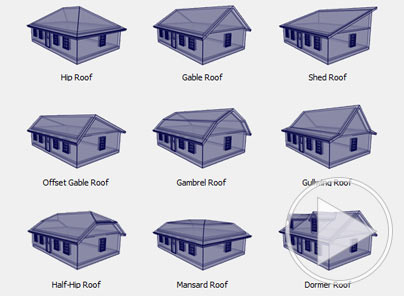
Home Designer makes roofs an easy process. With Automatic Roof & Ceiling tools, you can create the style that's right for your home. There are a variety of roof styles, ranging from gable to gullwing, which can be created for your house. For custom roofs, Home Designer Pro includes manual roof tools where you can create each individual roof plane. Ceiling tools are related and similar to the roofing tools. Home Designer automatically creates flat ceilings once the roof is generated. The ceiling tools can be used to create a variety of custom styles, including vault, trey and coffered.


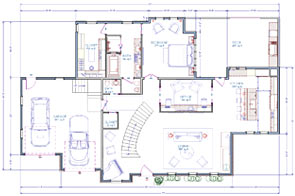
Quickly place and arrange walls, windows and doors to create accurately scaled floor plans. When you begin a new floor plan, select from pre-designed Home Design and Landscaping Style Templates. Use the House Wizard to layout your designs - specify the number of floors, rooms and bedrooms, then drag to arrange the floor plan. Choose from over 5,000 sample house plans for design inspiration you can also download editable sample plans.


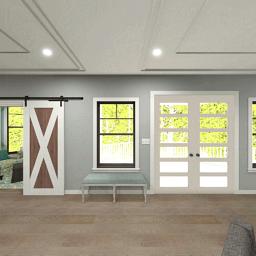
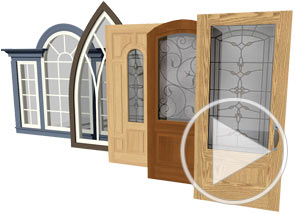
With Home Designer, you can place doors and windows and customize them to create just about any style. Update your doors and windows for that perfect look — wood, casement, moldings, lites, shutters and window treatments. Modify the height, width and shape to create the exact door or window desire. In Home Designer Pro, you will find advanced settings for rough openings, mulling and lintel & sill.
Remove a 3D slice from your design and create a new detailed view using the 3D cross section elevation slider. From front to back, or side to side, this tool will let you look through your design from any point. Cross Sections are a great way to help you communicate the details of your design. Use the Remove Surface tool to see into tight spaces or to produce architectural style views.
The Auto Dormer tool has gable, hip shed and barrel dormers. Click to place on the roof and software create all the structural elements so the framing and roof cutout are accurate. Skylights work the same way — click to place and then re-size. Skylights bring natural light into your model to easily see the effects.
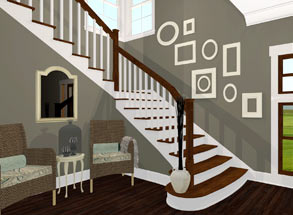
Home Designer's stair tool can create straight, curved, split stairs and ramps. You can customize the number of stair sections, tread height and railing style. Home Designer includes defaults typically used in construction to make stairs easy to build. There is an automatic stairwell tool to create a stair opening. Additionally, you can use a One-Click Stair tool to automatically place stairs and ramps between platforms. With Home Designer Pro, you will find advanced settings and control for stairs.
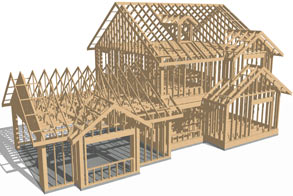
Use the framing tools to automatically create the structure for your design. For each room, define floor and ceiling heights and the platform dimensions — framing will automatically update. Visualize framing in 3D with the Framing Camera. Every framing member, including decking, is automatically added to the materials list. Manual framing tools are available in Home Designer Pro — great for custom framing.
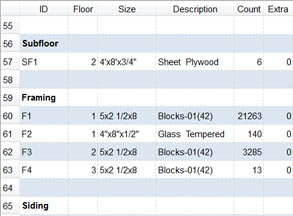
What will my new home or remodeling project look like and how much will it cost? Home Designer creates a detailed list of materials by category with the description and quantity of materials visible in spreadsheet format. The program retains all the information on each element by category, such as doors, windows, cabinets, framing, and concrete, and automatically adds it to the materials list — making it easy estimate costs
Design your lot and landscaping with easy to use terrain tools. Use the Automatic Build Terrain and Terrain Perimeter tools to create flat, irregular shaped or sloped lots. Use a GPS to import or enter elevation data into the program for your terrain detail. Other terrain features — like hills, valleys, roads, sidewalks, and driveways can help to complete a realistic site plan. Pre-arranged landscaping beds and over 3,600 realistic plants can be used for your home landscape project.