Changing the Hinge Side or Swing Direction of Doors
Reference Number:
KB-00294
Last Modified:
May 24, 2022
This article also applies to the following legacy products:
Pro | Architectural | Suite
Pro | Architectural | Suite
QUESTION
How do I change the door hinge placement on a door in my plan?
ANSWER
You can adjust both the side of a hinged door that the hinges are located on, and the direction that the door swings using either the edit tools, or the door's edit handles.
To change a door's hinge or swing side using the edit tools
- With your plan open, click the Select Objects
 button,then click on a door to select it.
- Click the appropriate Change Open/Hinge Side
 or Change Swing Side
  edit tool.
To change a door's hinge or swing side using the edit handles
- With your plan open, click the Select Objects button,then click on a door to select it.
- Move your cursor over the triangular handle that displays at the end of the door, near the location of the door knob. The cursor icon changes to a circular arrow
 .
.
Note: Use the diamond shaped edit handle to adjust Slider, Pocket, Bifold, and Barn door types.
- Click and drag this edit handle parallel to the wall that the door is placed in to move the hinges to the other side of the door.
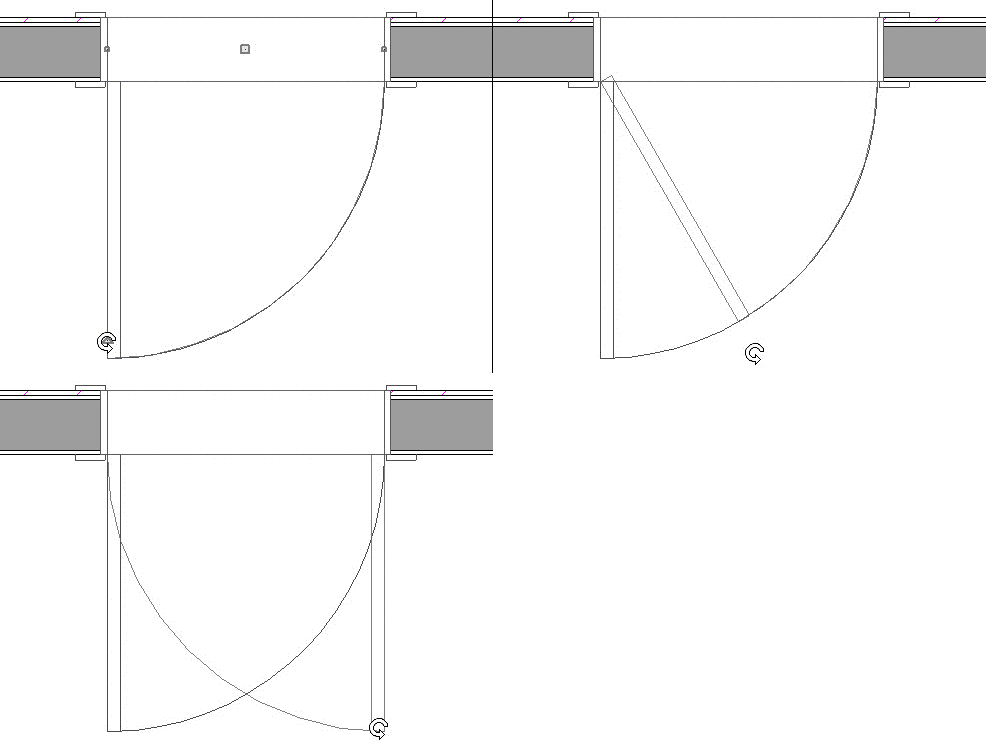
- Click and drag this edit handle perpendicular to and through the wall that the door is placed in to change the direction that the door opens.
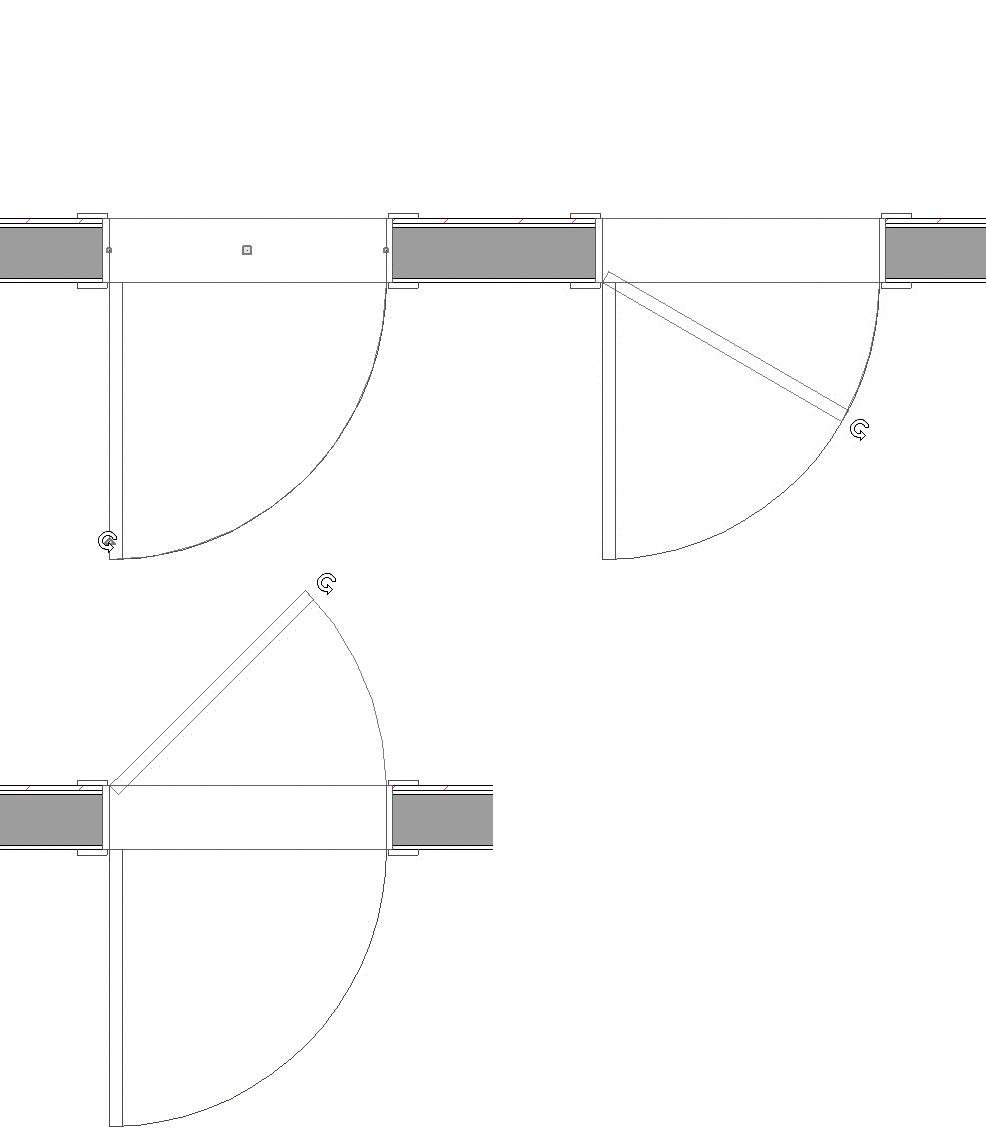
- You can also drag this handle to adjust the angle that the door is open.
- Click and drag this edit handle parallel to the wall that the door is placed in to move the hinges to the other side of the door.
- When you release your mouse button, the door's hinge side, swing side, and/or angle will be changed.
Related Articles