Creating a Room with a Short Ceiling or Plant Shelf Closet Effect
Reference Number:
KB-00878
Last Modified:
March 13, 2026
This article also applies to the following legacy products:
Pro | Architectural | Suite
Pro | Architectural | Suite
QUESTION
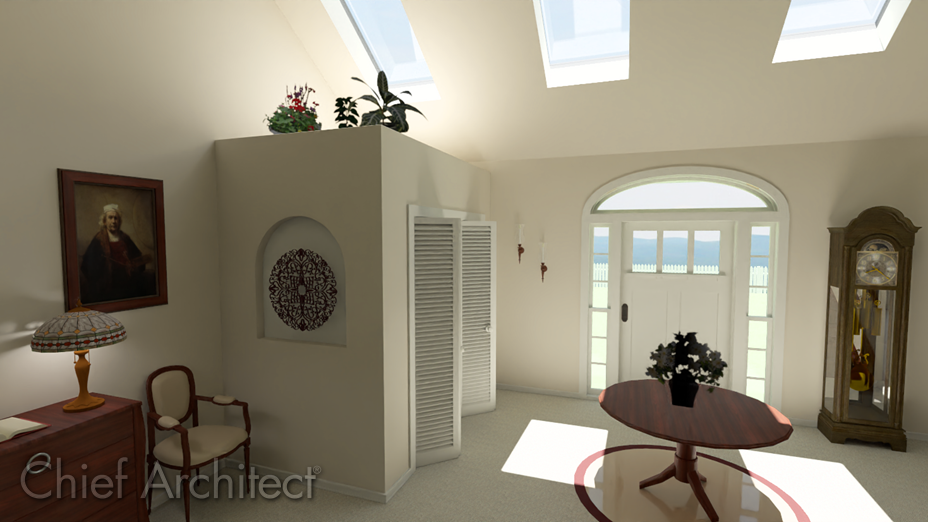
I want to have a 9 foot closet in my 12 foot entry, but I'd like to have a shorter, flat ceiling over the closet. Is this possible?
ANSWER
Creating a room which is not full height in a larger room with a cathedral or vaulted ceiling can be accomplished using the Shelf Ceiling setting located in the Room's Specification dialog.
To create a plant shelf closet
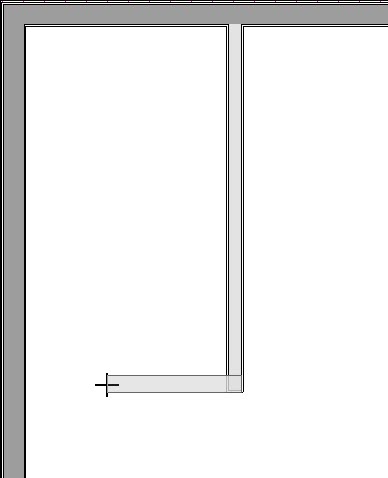
- In your desired plan, navigate to Build> Wall> Straight Interior Wall
 , then click and drag to create walls to establish a closet.
- Use the Select Objects
 tool to select the newly created closet room, then click the Open Object
  edit button.
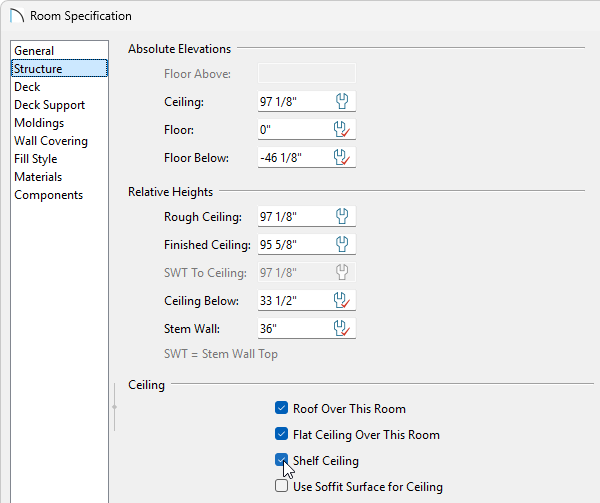
- On the Structure panel of the Room Specification dialog that displays, check the Shelf Ceiling box under the Ceiling section, set the Finished Ceiling under the Relative Heights category to be a lower value than the larger room it's contained within, then click OK.
In this example, a value of 95 5/8" is used.
- Navigate to Build> Door
 , choose your desired Door tool, then click to place a door into the closet wall.
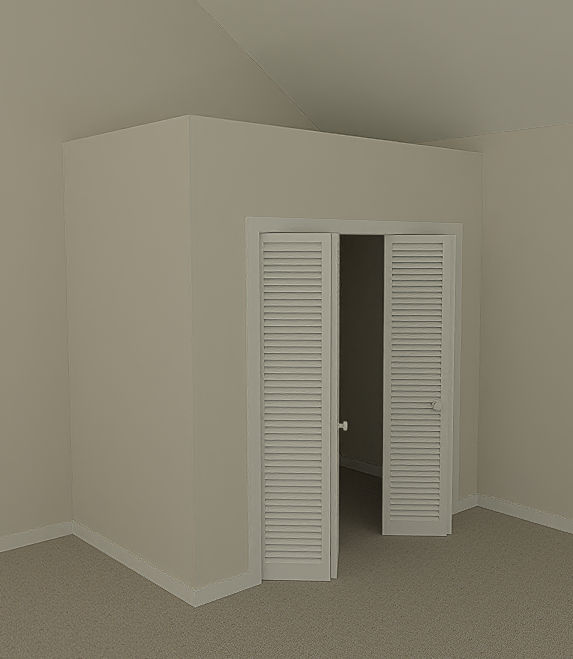
In this example, we placed a Bifold door.
-
Select the door, then click the Open Object edit button.
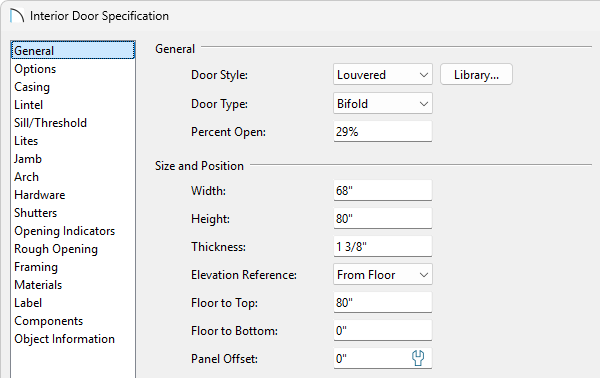
- On the General panel of the Door Specification dialog that displays, select a Door Style and change any other properties to your liking.
In this example, a Louvered door style is used and the Width was changed to 68".
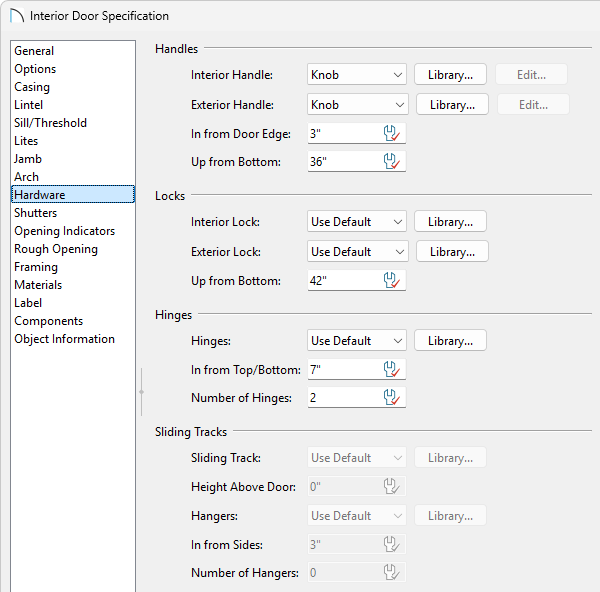
- Select the Hardware panel to specify a door handle or knob if desired, then click OK.
- Take a Camera
 view to see the results.
Related Articles