Deck & Landscape Software

Over 3,700 Plants Plant Chooser Import a Home Photo for Landscaping Deck Designer Tools
Get the current Adobe Flash Player to view these videos!

Learn more about our home design software by watching one of the videos above.

Great Landscaping Makes a Great Home!

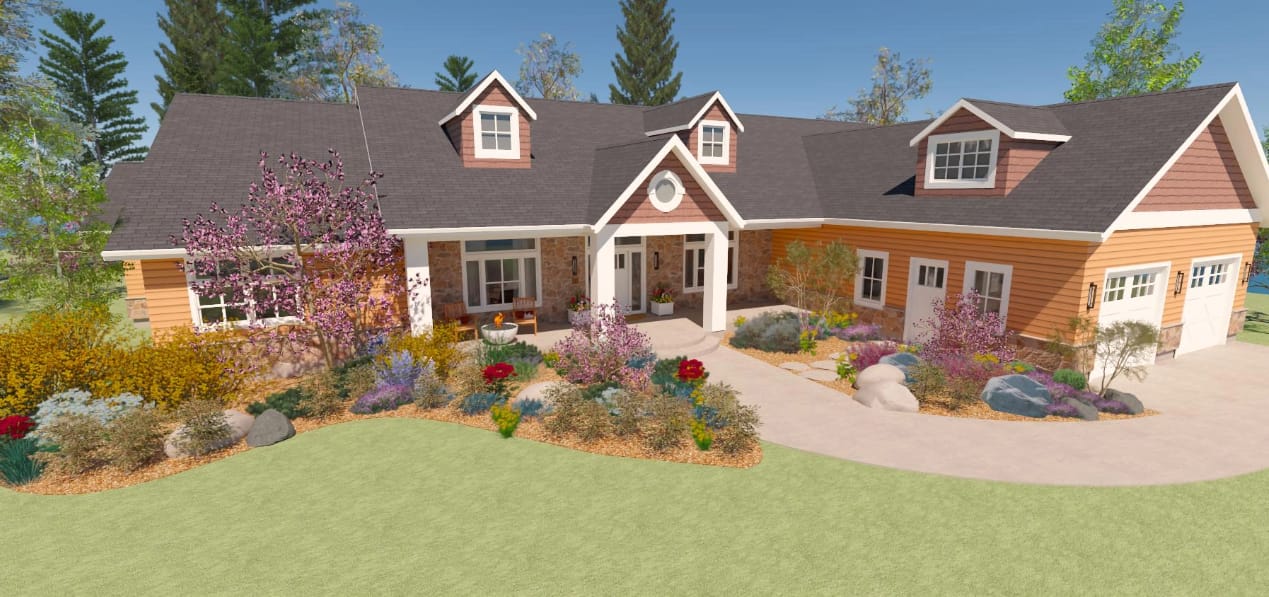
The secret to great landscaping is to combine good planning and design before you begin. Whether you have a new home or an existing landscape, you’ll find valuable resources to create a well-planned outdoor living space with the Chief Architect home design and landscape software.
– Design It and Enjoy!

Extend Your Outdoor Living Areas

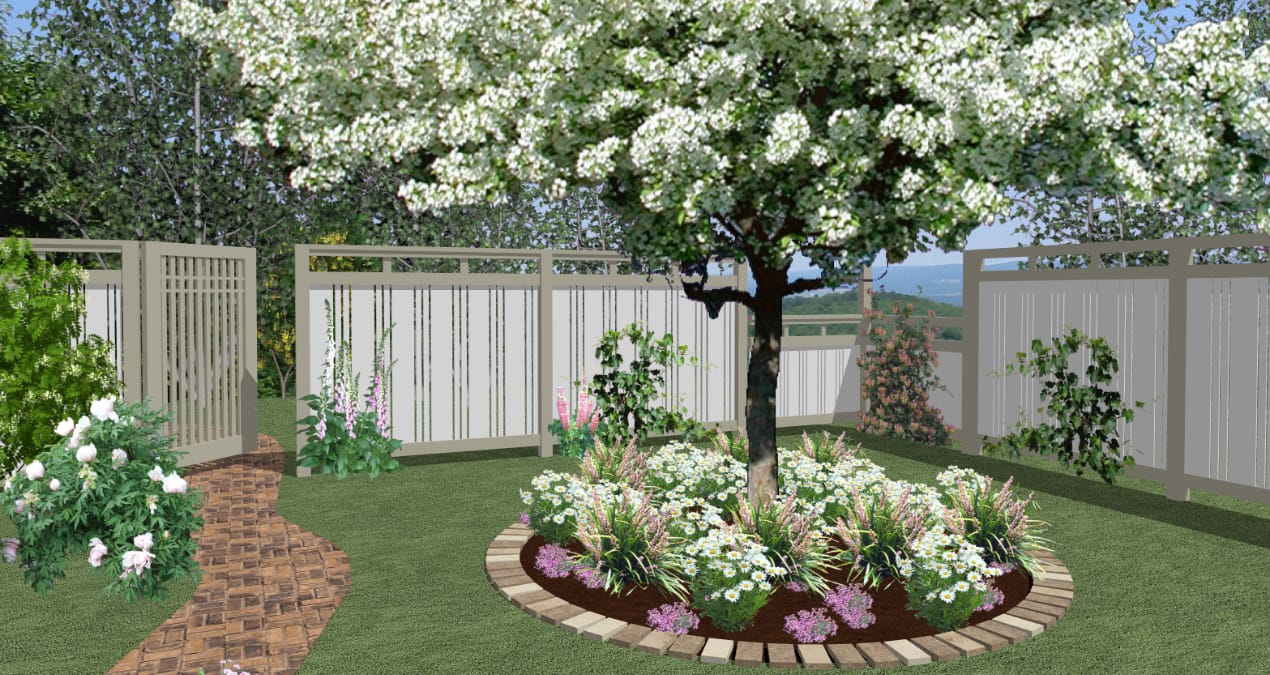
Extending your outdoor living area has never been so easy with the Home Designer and Landscaping & Deck Designer products. Get started with built-in landscape and deck templates or build your own! Create beautiful landscapes, terrain features, gardens and decks for your perfect outdoor living spaces. It’s easy to create the look and feel you desire for your deck, landscaping and outdoor living spaces.


View Plant Samples

Over 3,600 Plants

Landscaping is easy with over 3,600 botanically accurate flowers, trees and shrubs – from tropical to desert. Create gardens, pathways, hills, valleys, ponds and more for your perfect landscape. Use the Plant Chooser to learn and discover detailed information about your plants including hardiness, growth attributes, descriptions and much more.


Choose a Deck Template

Design a New Deck or Patio

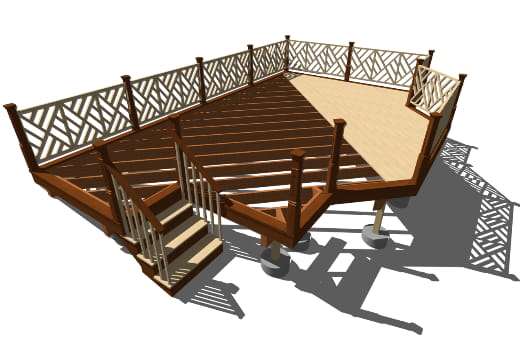
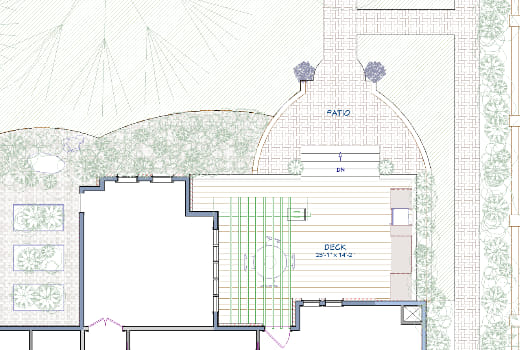
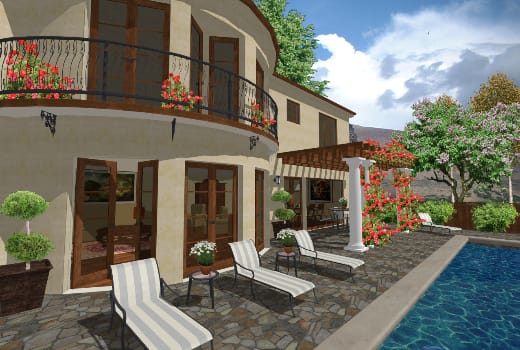
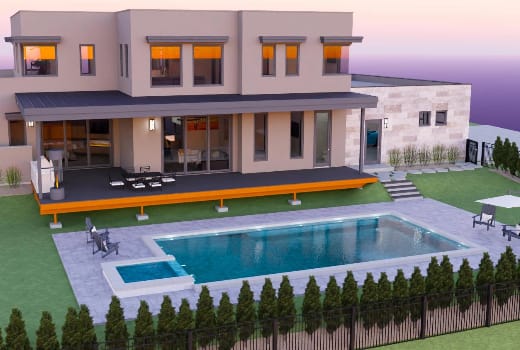
Powerful Decking and Patio tools allow you to design and visualize your new deck with 3D models and help you easily estimate the costs. Choose railing styles – post and beam, panel railings, glass panels and much more. Design a new patio with pavers or concrete. Make your new deck or patio look exactly the way you desire – add a roof, specify the foundation, automatically build the framing or change the deck materials and planking. When you’re finished, automatically generate a materials list for your new deck or patio.

Import Photos & Images

Import your digital photos and add landscaping features such as fences, trees, flowers, shrubs and more! This is a great feature for new construction or remodeling projects. Our best product for home photo editing is our Picture Painter Home & Landscape product. Picture Painter can help you change colors, materials, textures, update cabinets and appliances of your existing home – simply take a picture and visualize your changes!

Terrain & Site Planning Tools

Use Automatic Build Terrain and Terrain Perimeter tools to create flat, irregularly shaped or sloped lots. Use a GPS to import or enter elevation data. You will find several terrain tools to create your lot’s shape, elevation and contours including a Hills and Valleys tool – stretch to create any shape and enter the height or elevation information. Use Raised, Lowered and Flat Region tools to model your terrain. When you have completed the terrain modifications, you can use the Auto Terrain Generation to produce all the elevation contours.

Outdoor Kitchens

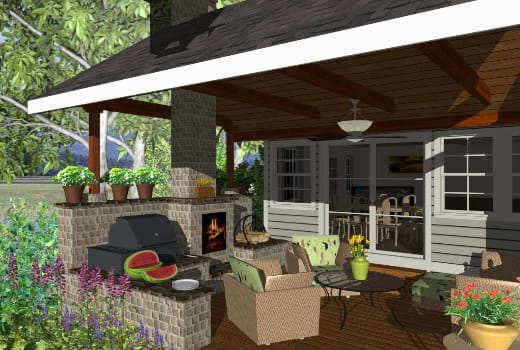
Outdoor kitchens are one of the most popular trends today and creating yours can be easy. Choose from name-brand appliances to extend your outdoor living. Create the perfect outdoor living space with furnishings from the built-in library. Quickly point-and-click to add benches, barbecues, planters and more to visualize your outdoor living areas.

Pools, Ponds & Pathways

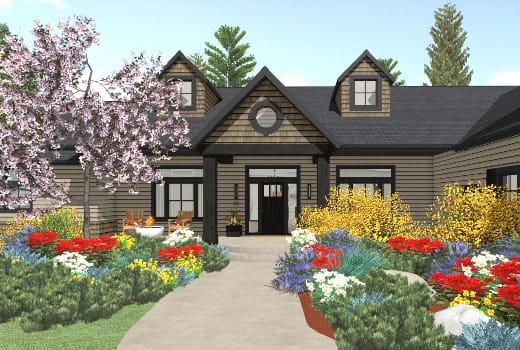
Use the pathway tool to design curb-appealing landscaping using stone, pavers or sidewalks – line your new addition with trees, shrubs, flowers and more. Create water features for your landscaping projects using the Stream or Pond tool – simply click to place and then resize. Choose from numerous pre-arranged garden and flower beds to get started quickly; place and arrange in your plan to create beautiful landscapes.

Fences, Driveways & Sidewalks

With the fencing tools you can choose a variety of fencing styles and custom gates. You can choose a variety of panel styles to design a fence that fits your style. You will also find Driveway, Sidewalk and Curbing tools for your new home or remodeling project – and with the automatic materials list, you can quickly calculate the amount of concrete.

Help Center – Get Started Quickly!

The Quick Startup Options Guide will help you begin with "How-To" tutorials based on the type of your project. You can also choose from over 80 easy "step-by-step" tutorial training videos that will quickly get you started on your next home design project. Live online training is available on weekly basis and you can access this training via the Internet. Home Talk is a User Forum you can ask question from the community of users. Finally we offer great technical support by qualified in-house professionals.