Interior Design
Design Your Ideal Interior Space Today!
The best interior designs begin with well thought out floor plans. Place and arrange walls, windows and doors. Accessorize styles, colors, wall coverings, flooring and materials to make your interior design and decorating ideas come to life.
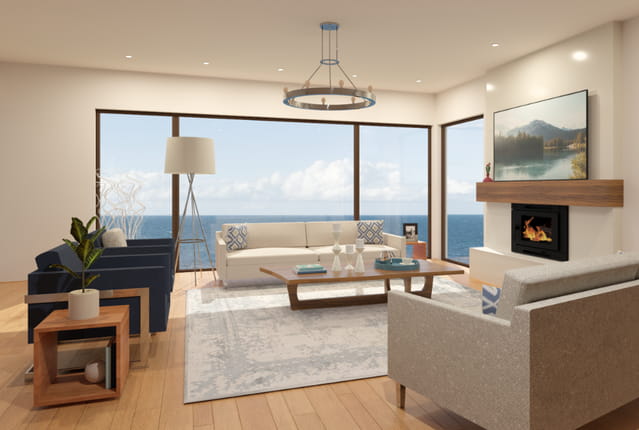

Decorating & Accessories
It's easy to transform the look of any room with the latest furniture and accessories. There are thousands of Library objects for interior design. Download free Library items from our 3D Library to accessorize your designs.

Colors, Materials & Textures
Use the Material Painter and Color Chooser to quickly change wall colors, flooring styles and countertops to visualize your interior space in 3D. Choose name brands or create custom colors and materials from a digital photo.
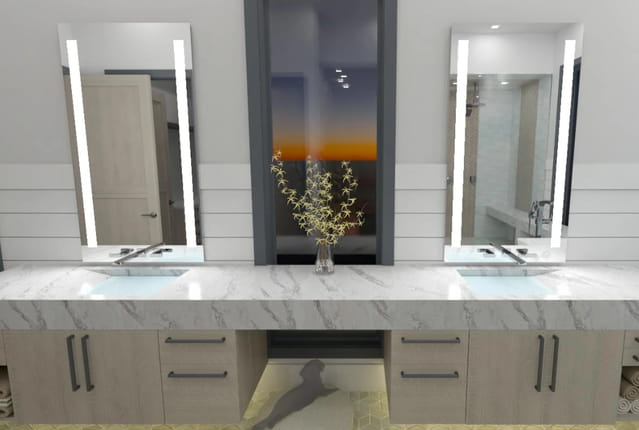
Electrical & Lighting Plans
Add natural and man-made lighting. Place light fixtures, adjust light intensity, define time of day and location (latitude/longitude) to visualize the most realistic lighting effects. Create an entire electrical plan complete with a circuit diagram.
Visualize & Design in 3D
Place and arrange walls, windows, doors, and interior accessories. Design your rooms and create your ideal floor plan layout.
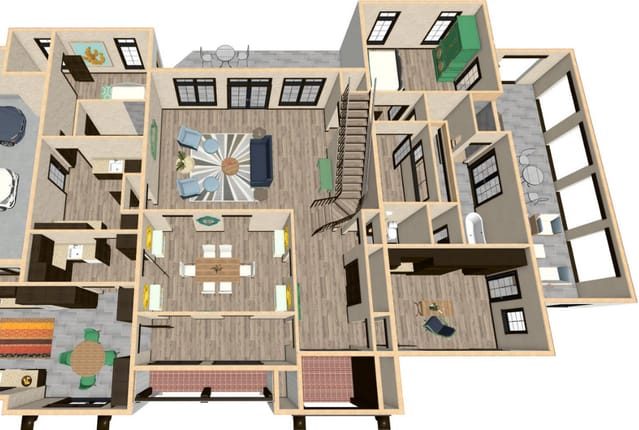
Floor Plans & Space Planning
Use the Home Designer tools to create floor plan variations and generate your ideal room layout. Design your living room, kitchen or master bedroom and accessorize with furniture to create your ideal room layout with Home Designer's interior design software tools.

3D Visualization of Your Rooms
Create 3D models and virtual tours in minutes. Often the most challenging part of designing or remodeling is visualizing how your finished project will look. Choose from different camera angles to see your design from every viewpoint.
3D Viewer Models
Export your Home Designer model and view on phones, tablets or the web. 3D Viewer models are interactive virtual reality models. For mobile, download the free Chief Architect 3D Viewer app — available for Apple or Android devices. 3D Viewer models can also be viewed from a web browser — Learn How.